If you are planning to build a professional website, you have probably heard the term WordPress development. But what does it actually mean, and how is it different from simply creating a website with WordPress?
In simple terms, WordPress development is the process of building, customizing, improving, and maintaining websites using the WordPress platform. It can range from creating a simple business website to developing a complex eCommerce store or a fully customized web application.
For founders, startups, and service businesses, understanding what is WordPress development can help you make better decisions about your website, technology, design, SEO, and long-term growth.
A well-developed WordPress website should do more than look professional. It should load quickly, work smoothly across devices, provide a good user experience, support search engine optimization, and make it easy for your team to manage content.
At mshoaib.site, we approach WordPress development with these goals in mind: creating websites that are visually professional, technically sound, user-friendly, and built around business objectives.
If you are planning a new website or considering improvements to an existing one, start by identifying your business goals, target audience, and most important website functions. A clear plan makes the development process much more effective.
What Is WordPress Development?
WordPress development involves designing, building, customizing, and maintaining websites using WordPress.
WordPress started primarily as a blogging platform, but it has evolved into a flexible content management system (CMS) used for many different types of websites.
WordPress development can include:
- Website design and development
- Custom WordPress themes
- Theme customization
- Plugin development and customization
- WooCommerce development
- Custom post types and taxonomies
- API integrations
- Website performance optimization
- Responsive development
- Technical SEO implementation
- Security and maintenance
- Conversion-focused UI/UX improvements
The complexity depends on the requirements of the business.
A small consulting company may only need a professional five-page website. An online retailer, membership platform, or large organization may require considerably more customization.
WordPress Development vs. Website Building
Using WordPress does not automatically mean that a website has been professionally developed.
A website can be created using an existing theme, page builder, and plugins with relatively little technical customization.
Professional development becomes particularly important when a business needs:
- Custom functionality
- Unique designs
- Third-party integrations
- Advanced forms
- Dynamic content
- Improved performance
- Custom user experiences
- Scalable website architecture
The goal is not simply to add more code. The goal is to create the right technical solution for the business.
How Does WordPress Website Development Work?
A professional WordPress website development project generally follows several stages.
1. Discovery and Planning
Development should begin before anyone starts building pages.
The first step is understanding the business, audience, competitors, goals, and required functionality.
Important questions include:
- Who is the target audience?
- What should visitors do on the website?
- What services or products need to be promoted?
- What pages are required?
- Does the website need eCommerce functionality?
- Are there third-party systems that need integration?
- What SEO goals should the website support?
This stage establishes the foundation for the project.
2. UI/UX Design
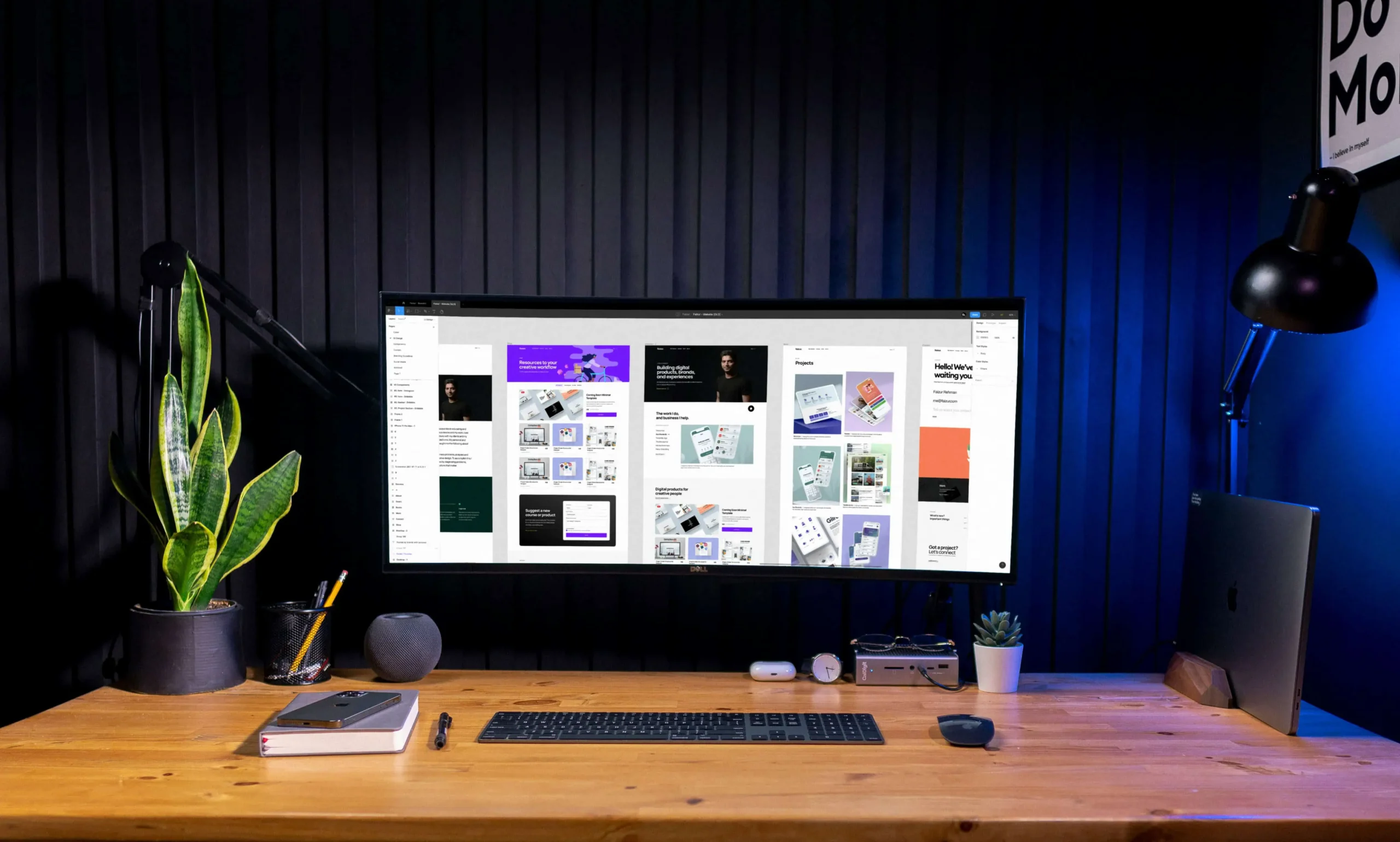
The next step is planning how the website will look and work.
UI focuses on the visual interface, including:
- Typography
- Colors
- Buttons
- Spacing
- Layouts
- Images
- Navigation
UX focuses on how easily visitors can navigate the website and complete important actions.
For example, a service business may want visitors to quickly understand its services and submit an inquiry. The website structure should make that journey straightforward.
3. WordPress Development
Once the design and structure are established, development begins.
Depending on the project, developers may work with:
- WordPress themes
- Child themes
- Plugins
- Elementor or other page builders
- WooCommerce
- Custom PHP
- HTML, CSS, and JavaScript
- Custom fields
- APIs
A professional developer selects the appropriate approach based on the project’s requirements rather than relying on unnecessary plugins or complicated solutions.
4. Content Implementation
Content is then added to the website.
This includes:
- Page copy
- Images
- Blog posts
- Service information
- Product details
- Calls to action
- Contact information
Content should be structured around both users and search engines.
5. Testing and Optimization
Before launch, the website should be tested across different devices and browsers.
Important checks include:
- Mobile responsiveness
- Page speed
- Navigation
- Forms
- Links
- Images
- Security
- Browser compatibility
- SEO elements
- Accessibility
A website that looks good on a developer’s computer may still have problems on mobile devices. Thorough testing helps identify those issues before visitors encounter them.
Why Is WordPress Popular for Business Websites?
WordPress for business websites can be a practical solution because it combines flexibility with relatively easy content management.
Business owners can update pages, publish articles, add images, and manage website content without needing to modify the underlying code every time.
Other advantages include:
Flexible Website Design
WordPress can support many types of designs and layouts.
A business can use an existing theme, customize a professional design, or develop a more unique solution.
Scalable Functionality
Businesses can start with a relatively simple website and add functionality as their needs change.
For example, a company could initially launch a service website and later add:
- Online payments
- WooCommerce
- Booking functionality
- Membership features
- Customer portals
- Advanced forms
- Marketing integrations
Content Management
WordPress makes publishing and managing content relatively straightforward.
This is especially useful for businesses investing in content marketing and SEO.
SEO-Friendly Foundation
WordPress provides a foundation that can support technical and on-page SEO when properly configured.
However, installing WordPress alone does not guarantee search visibility.
Website structure, content quality, page speed, internal linking, metadata, schema, mobile usability, and many other factors still matter.
What Are WordPress Development Services?
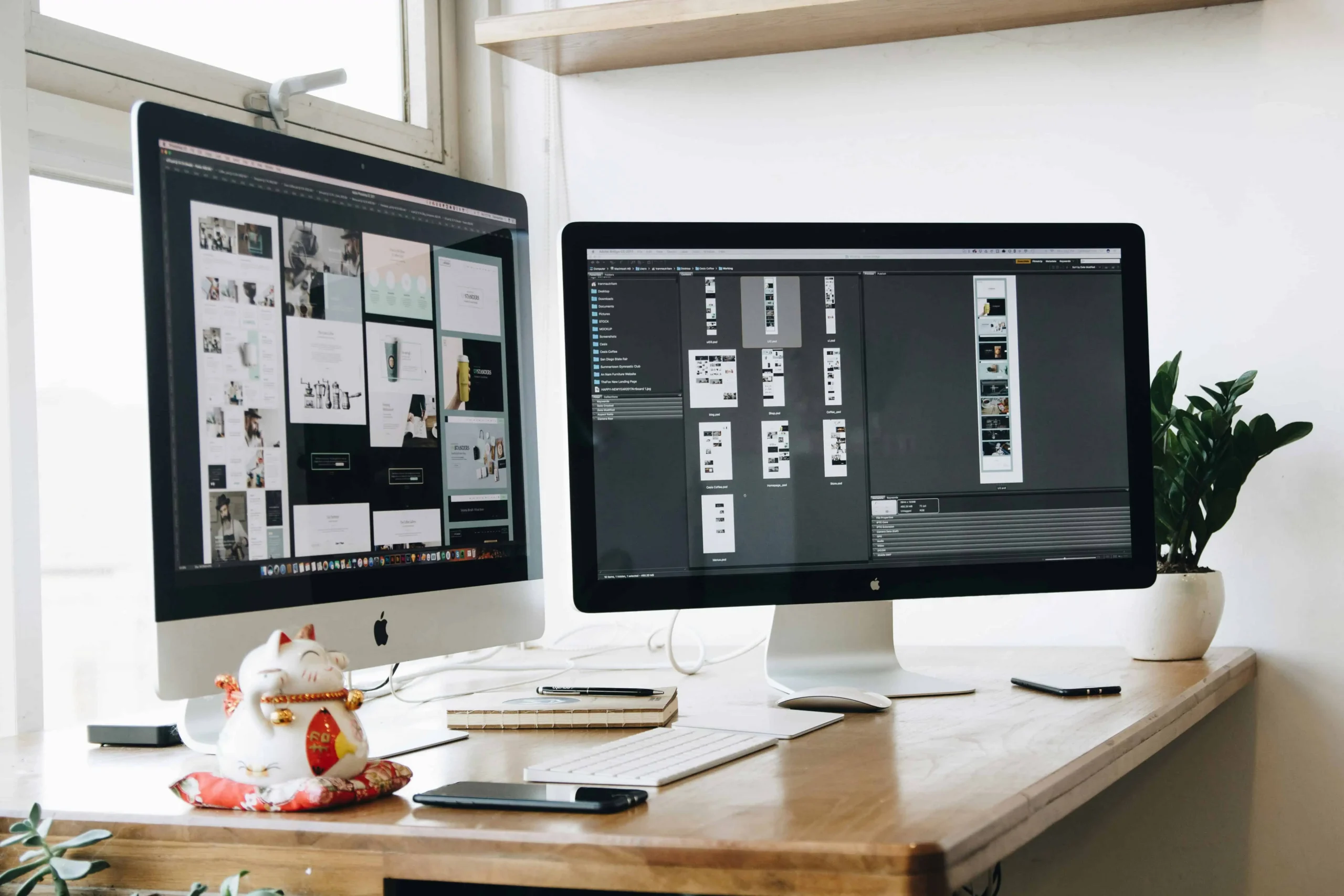
WordPress development services cover the technical work required to build, customize, optimize, and maintain WordPress websites.
The exact services vary between agencies, but commonly include:
Custom WordPress Development
Custom development can create functionality specifically around a company’s requirements.
This can be useful when an off-the-shelf theme or plugin cannot provide the desired experience.
WordPress Theme Development
A developer can create or customize themes to achieve a specific visual design and website structure.
WooCommerce Development
For businesses selling products online, WooCommerce can be used to create an eCommerce experience within WordPress.
Development may include product configuration, checkout customization, payment integration, shipping functionality, and performance optimization.
WordPress Plugin Development
Plugins extend WordPress functionality.
Businesses may require custom plugins when they need functionality that is not available through existing solutions.
Website Maintenance
WordPress websites require ongoing attention.
Maintenance can include:
- WordPress updates
- Plugin updates
- Security monitoring
- Backups
- Performance checks
- Bug fixes
- Content updates
Regular maintenance helps reduce technical problems and keeps the website operating effectively.
How WordPress Development Supports SEO
Development and SEO should not be treated as completely separate activities.
Technical decisions made during development can affect how search engines crawl, understand, and index a website.
A well-developed WordPress website should consider:
- Clean website architecture
- Fast loading times
- Mobile responsiveness
- Search-friendly URLs
- Proper heading structure
- Image optimization
- Internal linking
- XML sitemaps
- Canonical URLs
- Metadata
- Structured data where appropriate
For example, adding hundreds of unnecessary plugins can create performance and maintenance issues. Similarly, a visually impressive website can struggle with search visibility if its content structure is poorly planned.
If your WordPress website looks good but is not generating enough organic traffic, the issue may involve more than content. mshoaib.site can help evaluate your WordPress development, technical SEO, website structure, and user experience to identify practical improvements.
WordPress Development and UI/UX Design
Development and design work best when they are planned together.
A website may have excellent functionality but still perform poorly if visitors find it confusing or difficult to use.
Good UI/UX design considers:
- Clear navigation
- Readable typography
- Strong visual hierarchy
- Consistent design elements
- Mobile usability
- Accessible interactions
- Clear calls to action
For a service business, the visitor should quickly understand what the company does, who it serves, and what action they can take next.
For an eCommerce website, the experience should make it easy to discover products, understand pricing, and complete checkout.
The technology should support the experience rather than getting in the way.
Practical Tips for Better WordPress Development
Whether you are launching a new website or improving an existing one, these practices can make a significant difference.
Keep the Website Structure Simple
Organize pages logically.
Visitors should not need to click through several unnecessary pages to find important information.
Use Plugins Carefully
Plugins can add valuable functionality, but installing too many can create unnecessary complexity.
Before adding a plugin, consider whether the functionality is actually required and whether another existing solution can accomplish the same goal.
Prioritize Mobile Users
Your website should work properly on smartphones and tablets, not just desktop screens.
Check:
- Text size
- Buttons
- Navigation
- Forms
- Images
- Spacing
- Page speed
Optimize Images
Large images can significantly affect loading performance.
Use appropriately sized images and modern formats where suitable, while maintaining acceptable visual quality.
Build With SEO in Mind
Do not wait until after launch to think about SEO.
Plan page structure, headings, URLs, internal links, content, and technical requirements during development.
Make Calls to Action Clear
Every important page should have an obvious next step.
Depending on the business, that could be:
- Request a quote
- Contact the company
- Book a consultation
- Buy a product
- Download a resource
- Submit an inquiry
When Should You Hire a WordPress Development Agency?
A DIY WordPress website may be suitable for a simple project. However, professional development becomes more valuable as requirements become more complex.
Consider working with a development agency when you need:
- A custom website design
- Advanced functionality
- WooCommerce development
- API integrations
- Website migrations
- Performance optimization
- Technical SEO
- Ongoing maintenance
- Conversion-focused UX
- A scalable website architecture
An experienced agency can also help connect different parts of the project.
For example, UI/UX decisions can influence development, development can influence technical SEO, and SEO can influence website architecture and content structure.
If you are planning a new website, rebuilding an outdated WordPress site, or adding new functionality, mshoaib.site can help you turn your requirements into a practical website strategy—from UI/UX and development to SEO and ongoing optimization.
Frequently Asked Questions
What is WordPress development?
WordPress development is the process of building, customizing, optimizing, and maintaining websites using WordPress. It can include themes, plugins, custom functionality, WooCommerce, integrations, performance, and technical SEO.
Is WordPress good for business websites?
Yes. WordPress can support many types of business websites, from small service websites to larger content-driven platforms and eCommerce stores. The quality of the final website depends heavily on its design, development, content, and ongoing maintenance.
What is the difference between WordPress design and development?
WordPress design focuses primarily on the visual appearance and user experience of a website. Development focuses on implementing the design, functionality, integrations, database structures, and technical behavior.
Do I need a developer for WordPress?
Not necessarily. Simple websites can often be created using existing themes and plugins. A developer becomes particularly useful when you need custom functionality, integrations, performance optimization, advanced WooCommerce features, or a unique design.
How much does WordPress development cost?
The cost varies significantly depending on the website’s size, design requirements, functionality, integrations, content, and ongoing support requirements. A simple business website and a custom eCommerce platform can have very different development costs.
Conclusion: Building a WordPress Website That Supports Your Business
Understanding what is WordPress development is the first step toward making better decisions about your website.
WordPress development goes beyond installing WordPress and selecting a theme. It can involve planning the website architecture, designing the user experience, developing custom functionality, optimizing performance, implementing SEO, and maintaining the website over time.
For businesses, the objective should be to create a website that supports real business goals.
That means making it easy for customers to understand your services, navigate your website, find useful information, contact your team, and take action.
Whether you need a new WordPress website development project, improvements to an existing website, technical SEO, or UI/UX design, the right strategy can turn your website from a simple online presence into a valuable business asset.
Ready to improve your WordPress presence? Explore how mshoaib.site can help with WordPress development, SEO, and UI/UX design to create a website that is built around your business goals.
